PDFVoid LogoPDFVoid
New100% Secure Browser-Based PDF Tools v1.0

Your PDF tools.
Completely private.

Free browser-based tools to edit, convert, compress, and secure PDFs. All processing runs locally inside your browser tab. No file uploads, no queues, and no limits.

HIPAA & GDPR Friendly
Offline Capable
Zero Server Storage

Popular Free PDF Tools

Get started with our most popular online tools. Fast, secure, and running entirely inside your browser.

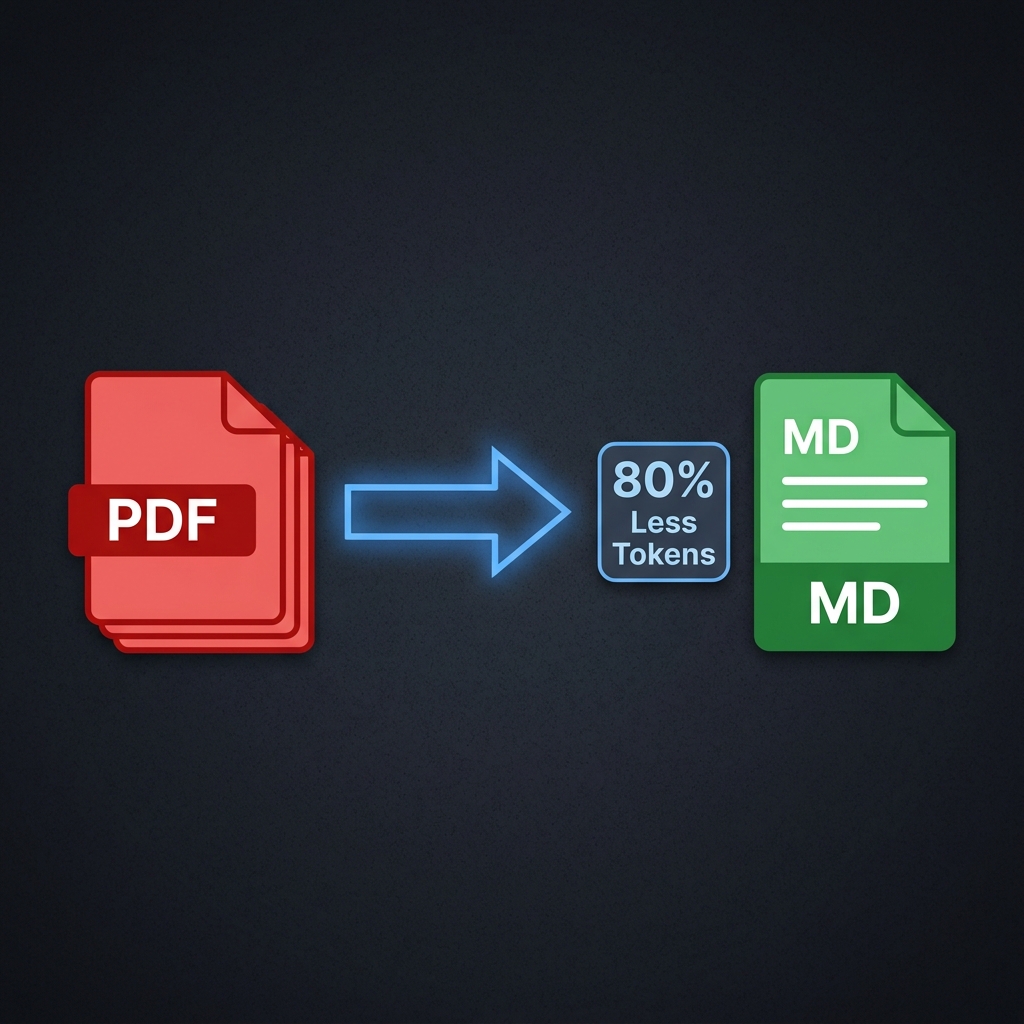
PDF to Markdown token savings illustration
AI Context Optimizer

Stop Paying the "PDF Token Tax" in ChatGPT & Claude

Directly uploading PDFs to AI models is extremely inefficient. Under the hood, LLMs parse layouts as images (vision), consuming up to 4x more tokens than clean Markdown files.

Save 80% Tokens

Strips away vision layout overhead and page metadata.

Chat 5x Longer

Keeps context lightweight to bypass hourly message limits.

Higher Recall

Markdown structure helps AI avoid hallucinations.

Four Pillars of Local PDF Management

PDFVoid brings server-grade PDF libraries directly to your browser sandbox using WebAssembly.

编辑与管理

Add custom text, paint drawings, cover/redact sensitive terms, stamp transparent watermarks, or add professional page numbers.

Explore Edit Tools →

格式转换

Convert PDFs to editable Word documents, Excel tables, PowerPoint slides, clean Markdown, or high-res JPG/PNG images instantly.

Explore Converters →

Organize & Optimize

Merge multiple scanned documents, extract specific pages, crop borders, delete blank sheets, reorder, or compress PDF sizes.

Explore Organizers →

Advanced Security

Apply military-grade local password encryption, unlock secured sheets, sanitize metadata properties, or perform detailed file analysis.

Explore Security Tools →
Architecture

Private. Fast. Free.

PDFVoid runs fully client-side. We do not maintain any servers to receive your files.

100% Secure & Private

Your documents are parsed and manipulated entirely in your browser's memory space. Files are never uploaded to any server.

Near-Native Speed

Using highly-optimized WebAssembly and modern JS APIs, tasks like merging, splitting, and rendering complete in milliseconds.

Free of Cost

No file limits, no subscriptions, no watermarks, and no signups required. Completely free browser tools for everyone.

Frequently Asked Questions

Have questions about security, features, or how to use our Free PDF Tools? Find quick answers below.

PDFVoid offers a complete suite of browser-based tools including PDF merging, splitting, compressing, page reordering, page deletion, page extraction, rotation, watermarking, adding page numbers, password protection, unlocking PDFs, and image conversions (JPG/PNG to/from PDF).
PDFVoid utilizes WebAssembly and HTML5 local File APIs to process your PDF files directly inside your browser tab's RAM. No backend servers are used for processing, making it incredibly fast and completely secure.
Since PDFVoid runs entirely client-side, you only need a modern web browser (such as Google Chrome, Apple Safari, Mozilla Firefox, or Microsoft Edge) with HTML5 and WebAssembly enabled. It works on Windows, macOS, Linux, and mobile devices.
You do not 'upload' files in the traditional sense. You simply drag and drop or select your files, which are immediately loaded into your browser's sandboxed transient RAM for local processing.
Yes, all tools on PDFVoid are 100% free with no subscription tiers, no usage caps, and no watermark restrictions.
Traditional PDF websites charge high fees to cover expensive cloud hosting and processing costs. We created PDFVoid to prove that modern browser technology (WebAssembly) allows document manipulation to happen entirely on the user's CPU, eliminating server fees and protecting user privacy.
PDFVoid does not run premium subscriptions or charge for features. We may display minimal, non-intrusive ads or accept voluntary donations to cover basic domain registration and hosting for the static frontend.
Most free online PDF editors upload your files to their servers to process them, which risks your privacy, imposes file size limits, and requires subscription tiers. PDFVoid runs 100% locally in your browser's WebAssembly sandbox. This means your files never leave your computer, processing is extremely fast, and there are absolutely no usage caps or paywalls.
Yes, absolute local execution ensures your files remain on your local hardware. There are no servers to store, copy, or breach, making it highly secure.
No. Because we have no file processing servers, we never see, upload, or store your files. Once you close your browser tab, your files vanish from your browser's transient memory.
Yes, company and enterprise documents are completely safe. Since PDFVoid executes 100% locally in your sandboxed browser tab, using PDFVoid is equivalent to running local offline desktop software, making it fully compliant with corporate security guidelines.
PDFVoid is highly trustworthy because we do not have access to your data. By executing all logic client-side, we remove the 'trust' variable from document processing—you remain in complete control of your files at all times.
Open the Protect PDF tool, drag in your file, type a secure password, and click encrypt. We apply strong local encryption directly inside your browser.
Navigate to the Unlock PDF tool, load your encrypted file, input the correct password to decrypt it, and download the unlocked version. This removes all editing and printing restrictions.
Yes, but it requires OCR (Optical Character Recognition) to translate pixel images into text. PDFVoid can merge, split, or compress scanned PDFs, and we are working on a local, browser-based WebAssembly OCR module for full text extraction.
You can annotate, rearrange, and split scanned PDFs for free online. However, typing and changing the existing text in a scanned document requires a paid or server-side OCR editor. PDFVoid allows structural manipulation of scanned PDFs 100% locally.
Yes, PDFVoid is the perfect solution! You can edit, merge, split, and convert your PDFs online directly inside your web browser without downloading or installing any software or extensions.

Free PDF Tools & Online PDF Editor

Learn how PDFVoid provides completely secure, private, and local browser-based PDF management.

100% Private Browser-Based PDF Tools

In today's digital landscape, managing, converting, and editing documents is a daily necessity for professionals, students, and businesses alike. However, traditional online solutions present a significant trade-off: you must upload your sensitive documents to remote servers, exposing your data to potential privacy leaks and security breaches. PDFVoid redefines this process by offering a complete suite of Free PDF Tools that run entirely inside your local browser. Whether you need a fully-functional pdf editor, a fast pdf converter, or a secure way to edit pdf documents, PDFVoid performs all computations locally on your device. Since your files never leave your computer, you get 100% confidentiality, zero upload wait times, and no file size restrictions.

Edit, Merge, Split, and Compress PDFs Locally

When it comes to document management, flexibility is key. PDFVoid combines multiple capabilities into a single, intuitive interface. If you need to rearrange your documents, you can combine pdf sheets or merge pdf files in any order you choose. Our client-side pdf combiner and pdf merger handle high-resolution documents effortlessly, letting you assemble reports, contracts, or portfolios without any limits. If you need to break down a larger pdf document, you can split pdf files into custom page ranges or individual sheets in a single click. For files that are too large to email or upload, our local compress pdf feature is the perfect solution. Powered by modern optimization algorithms, our browser-based pdf compressor reduces file sizes while preserving layout clarity, eliminating the need to search for an external tool to compress your pages.

Comprehensive PDF Converter: Images & Documents

Beyond editing and organizing, a high-quality pdf converter is essential for seamless document workflows. PDFVoid provides instant, local conversion tools. You can easily convert your documents into images by exporting pdf to jpg or PNG formats, extracting high-resolution sheets for presentation slides or web use. Conversely, if you need to compile photos or scans into a single document, our image to pdf converters make it simple. You can transform individual or batch files with our jpg to pdf and png to pdf features, creating standardized, shareable PDFs in seconds. Furthermore, we are actively expanding our library of tools to include document conversions, including converting pdf to word, enabling you to convert pdf to word formats for editing in text software, as well as converting pdf to excel spreadsheets. These upcoming tools will follow the same local-first philosophy, ensuring that PDFVoid remains the best free pdf editor and converter suite on the web.

Secure, Local-First PDF Editor Online

Why choose a browser-based pdf editor online over a cloud-hosted one? The answer lies in security and performance. When you use a traditional online pdf editor, your files are uploaded to third-party servers, processed, and stored temporarily in the cloud. This process introduces latency, consumes bandwidth, and exposes your private information. PDFVoid functions as a client-side pdf editor online by utilizing WebAssembly to execute C++ compilation libraries directly in your browser's sandboxed RAM. This means that when you edit pdf files, add page numbers, apply watermarks, or rotate pages, your device does all the processing. You can even load our website, disconnect your internet connection, and continue to use every single pdf tool offline. By eliminating the need for expensive backend processing servers, PDFVoid is completely free of charge. There are no premium subscriptions, no hidden limits, and no ads. Experience the future of secure document management with the best free pdf editor designed around your privacy.